

Heptabase 1.82.4 macOS
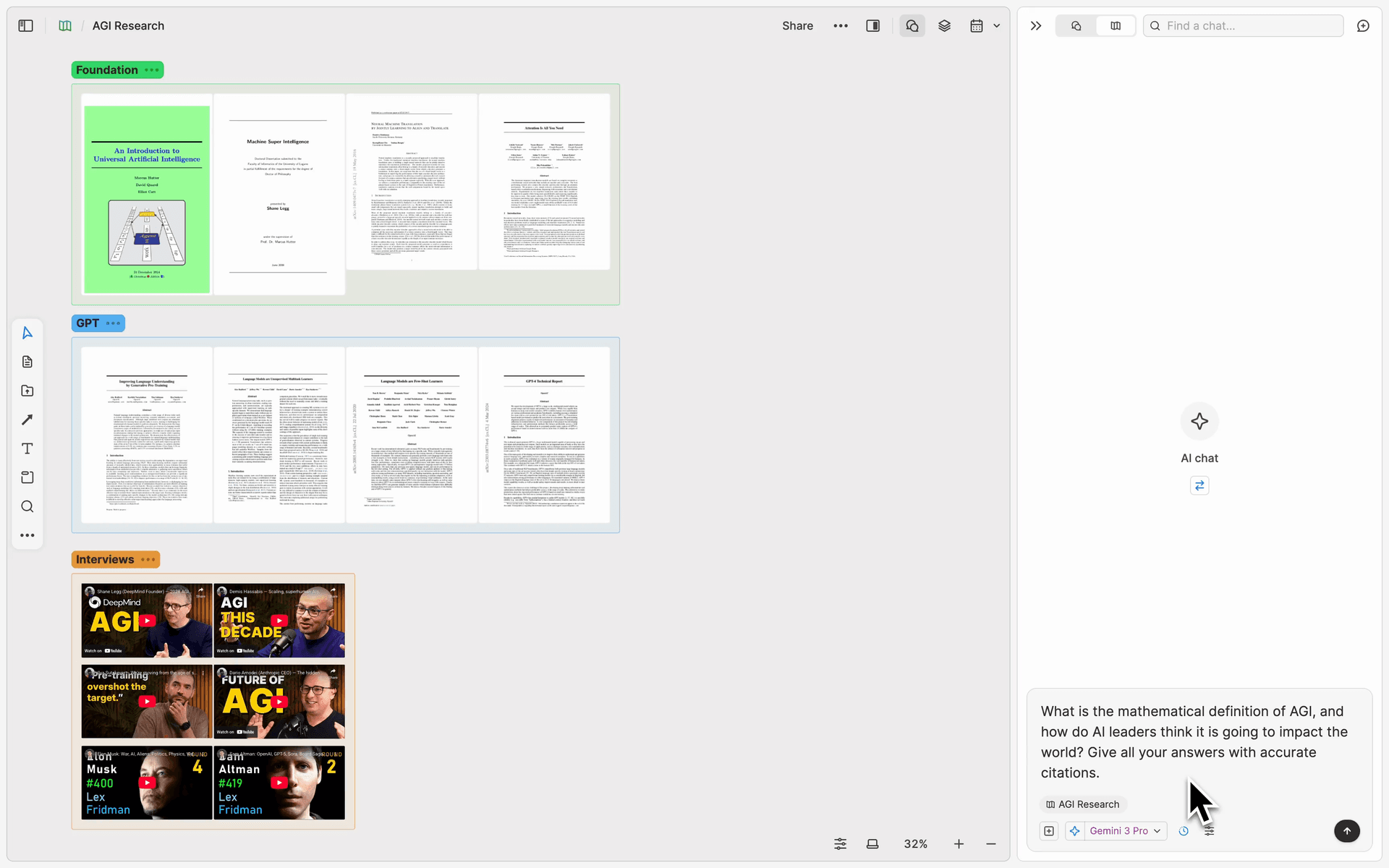
Heptabase is a software that helps users untangle complex study topics and research projects, allowing users to easily understand and manage their notes through powerful visualization functions.
Users can utilize whiteboards, mind maps, tables, and Kanban board views to explore notes, seeing connections between individual pieces of information at a glance. Heptabase supports learning in multiple formats, including highlighting and annotating PDF files, transcribing audio and video, and visualizing notes and logs, all from a single platform.
also supports teamwork, where users can work on research projects with friends and team members through collaborative whiteboards, and all content is accessible offline. Whether learning about a new topic or leading a research project, adapts to the needs of its users, making it ideal for knowledge workers, readers, and students to enhance their professional skills, synthesize knowledge, and conduct academic research.
It also provides project managers, academic researchers, and creators with convenient tools for organizing product strategies, market insights, literature reviews, and creative inspiration. Heptabase not only supports real-time synchronization between unlimited devices, but also allows you to access all your notes and files without an internet connection, and search, load, and edit them at lightning speed.
Compatibility: macOS 10.13 or later
Homepage https://heptabase.com/
Screenshots



After opening the application and logging in it takes almost forever to open but keeps showing white screen where it says it’s trying to open but it just cannot open at all. This is an issue. Can you please tell me how to actually open it gets stuck and doesn’t really open. MacOS Sequoia.