Overview of Noir – Dark Mode for Safari for macOS
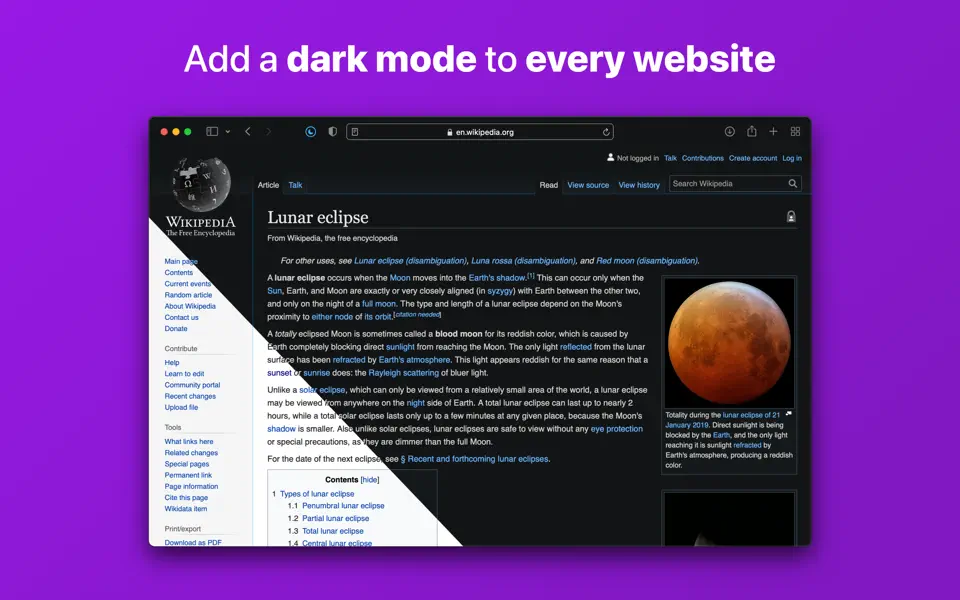
Noir is a Safari extension that automatically adds a dark mode to every website you visit.
It makes browsing the web at night so much better. With Noir, you won’t be blinded by bright websites ever again.
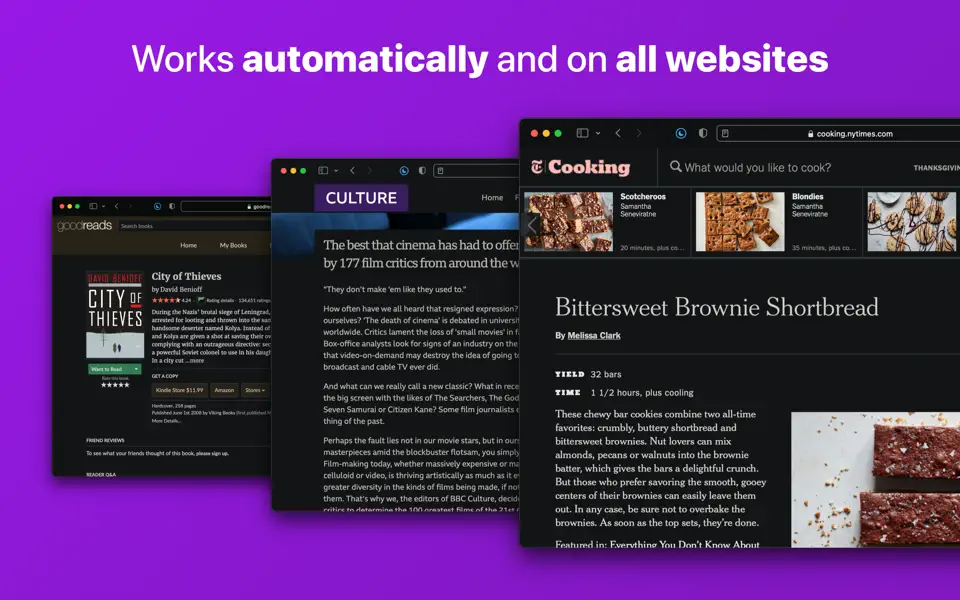
And the results look great too. Noir generates a custom dark style for each website you visit, based on the colors that are used on a page. You won’t even notice this happening in the background – that’s how fast it is – but you’ll certainly appreciate the end result: a beautiful dark mode tailored for each website, where contrast is preserved and highlights still pop.
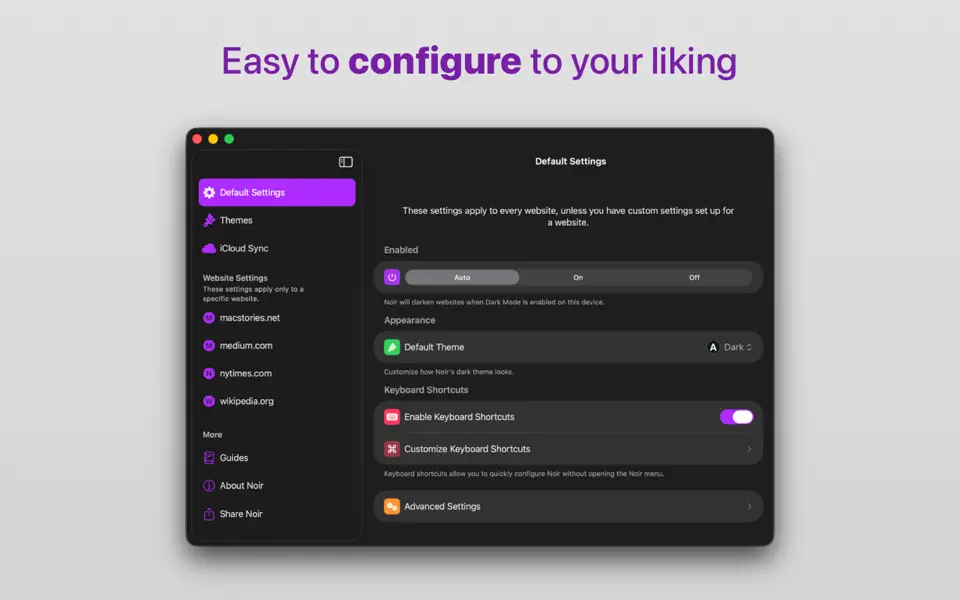
Noir works with any website you visit in Safari, automatically. By default, Noir is linked to your device’s Dark Mode, so websites will only go dark when you want them to. But you can easily customize this to your liking, even per website. Only want to use Noir on just a few specific websites? Sure thing! Disable Noir on some websites? No problem!
The app feels right at home on your device. It is a Safari extension, which means there’s no need to manually activate it every time you load a new page. The app also tightly integrates with system features such as Shortcuts to fully integrate Noir in all your workflows. And your settings are automatically synced to all your devices using iCloud.
And just as importantly, Noir takes your privacy seriously: it doesn’t collect any of your browsing data. Period.
What’s New:
Version 2026.1:
- Advanced Appearance Options
Noir now includes new advanced appearance options that let you fine-tune how Noir’s dark theme looks on a website. You can disable dynamic colors, hide all background images, and disable image inversion. To keep Noir as simple as possible for users who don’t need these options, you first have to enable these new options in the Advanced Settings inside the Noir app. After that, you can adjust these settings for any website from the Noir menu in Safari. And of course, all changes you make will automatically be synced with all your devices using icloud.
For more information about the available options, see “About advanced appearance options” in the Noir app. - Report incorrectly detected built-in dark modes
You can now report incorrectly detected built-in dark modes directly from the Noir menu in Safari. You can choose to send reports automatically, be asked each time, or never send reports at all. Reports you send will be used to improve Noir for all users. - Improved instructions for new users
If you’re reading this, you’ve probably already set up the Noir extension. But for new users, the onboarding has been improved to help people get started with Noir as quickly and as easily as possible. - Website fixes & improvements
As always, this update also includes many fixes and improvements based on the website reports that you have sent in. Thank you so much for helping me make Noir as good as possible!